How To
-

How to Remap Keyboard Keys in Windows 11 and Windows 10
What do you do when one of the important keys, e.g. Spacebar on your keyboard goes missing? Your keyboard becomes…
Read More » -
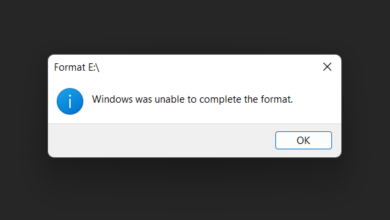
How to Format Corrupt USB or SD Card using Diskpart
The biggest problem with USB drives and SD Cards is that they easily get corrupted. After that, every time you plug your…
Read More » -
How to Upgrade your PC to Windows 11 (4 Methods Explained)
Finally, the long-awaited and much-hyped operating system from Microsoft, i.e. Windows 11 is out for the general public. And it’s…
Read More » -
How to Disable Automatic App Updates in the Microsoft Store
Windows 10 and 11 have automatic updates enabled by default. Same way, Windows 10 and 11 download and install updates…
Read More » -
How to Change Login Screen Background in Windows 10 and Windows 11
Microsoft has made things quite simple with Windows 10 and Windows 11. Especially to change the login screen background picture…
Read More » -
How to Play Roblox Games on Chromebook
If you have been playing Roblox on Windows, you might find it hard to adjust on Chromebook. Roblox doesn’t support…
Read More » -
How to Hide Files in Image Using Command Prompt
You can easily hide your files by setting their attributes to hidden. But that is a very common method and…
Read More » -
How to Disable Automatic Windows Updates in Windows 10
Microsoft provides the latest security fixes and other quality updates for its Windows OS via automatic Windows Updates. These updates…
Read More » -
How to Customize Right-click Context Menu in Windows 10
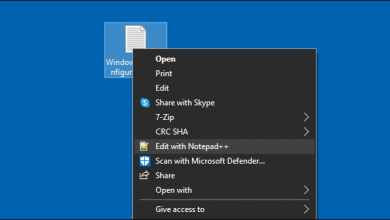
When you install certain software on your Windows PC, they add some extra items to right-click the context menu. These…
Read More » -
Sideload Android Apps on Chromebook without Developer Mode
Developer Mode allows you to sideload Android apps on your Chromebook. However, it also weakens the security of Chrome OS.…
Read More »