Windows 11
-

How to Bypass TPM and CPU Requirements for Windows 11 Upgrade on Unsupported PC
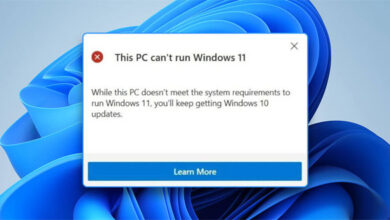
With Windows 11’s strict minimum requirements, it has become quite difficult to get the Windows 11 upgrade on older PCs.…
Read More » -
How to Create Portable Version of Applications for Windows
A portable application or software is a click-to-run type of software application. You can run it on any compatible PC…
Read More » -
How to Remap Keyboard Keys in Windows 11 and Windows 10
What do you do when one of the important keys, e.g. Spacebar on your keyboard goes missing? Your keyboard becomes…
Read More » -
How to Format Corrupt USB or SD Card using Diskpart
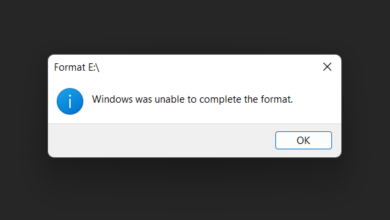
The biggest problem with USB drives and SD Cards is that they easily get corrupted. After that, every time you plug your…
Read More » -
How to Upgrade your PC to Windows 11 (4 Methods Explained)
Finally, the long-awaited and much-hyped operating system from Microsoft, i.e. Windows 11 is out for the general public. And it’s…
Read More » -
How to Disable Automatic App Updates in the Microsoft Store
Windows 10 and 11 have automatic updates enabled by default. Same way, Windows 10 and 11 download and install updates…
Read More » -
How to Change Login Screen Background in Windows 10 and Windows 11
Microsoft has made things quite simple with Windows 10 and Windows 11. Especially to change the login screen background picture…
Read More » -
How to Hide Files in Image Using Command Prompt
You can easily hide your files by setting their attributes to hidden. But that is a very common method and…
Read More » -
How to Set up Windows Terminal to Open Command Prompt by Default
Microsoft has introduced Windows Terminal with Windows 11. Windows Terminal is a common command-line interface that allows you to use…
Read More » -
How to Automatically Empty the Recycle Bin in Windows 10 & 11
Recycle Bin stores the files you delete in Windows. So, you can check your accidentally deleted files in the Recycle…
Read More »