Windows 11
-

How to Speed Up Your Windows 11 and Windows 10
Microsoft has improved Windows 10 and 11’s performance a lot through regular updates. However, several factors still bring down your…
Read More » -
How to Create a Restore Point Manually in Windows 10 and 11
System Restore Points are very important for restoring your Windows PC to good working condition. If your system crashes for some…
Read More » -
How to Create Password Reset Disk (USB) for Windows 11
Forgetting your Windows password may sometimes cause data loss. Because if you reinstall Windows, it will wipe your disk clean.…
Read More » -
How to Clone Windows 11 PC to a VM via VirtualBox
There are several ways to run Windows 11 on a virtual machine. For example, you can upgrade Windows 10 to…
Read More » -
How to Install and Use Custom Mouse Pointers in Windows 11 and 10
Windows by default provides several sets of mouse pointers or cursors to choose from. However, there are a lot of…
Read More » -
How to Disable Microsoft Defender Antivirus in Windows 11 & 10
Microsoft Defender Antivirus (Windows Security) supports almost all modern antivirus features like anti-malware, real-time protection, etc. And Microsoft is doing…
Read More » -
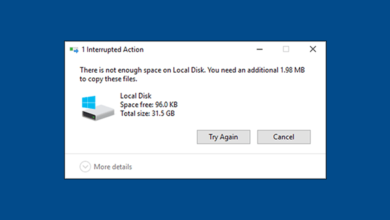
How to Free Up Space in C Drive on Windows 11 & 10
If you have used Windows 10 for a long time, you must have faced the low disk space problem in…
Read More » -
How to Use Android Phone as Webcam on Windows 11 & 10
The Corona pandemic has made people understand the importance of collaboration platforms like Skype, Zoom, or Teams. However, all these…
Read More » -
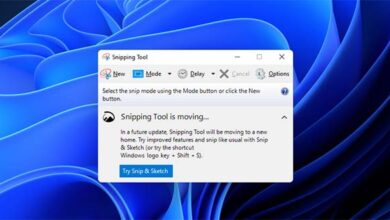
How to Restore Old Snipping Tool in Windows 11
If you have recently upgraded to Windows 11, you will notice that the old Snipping Tool is missing or not…
Read More » -
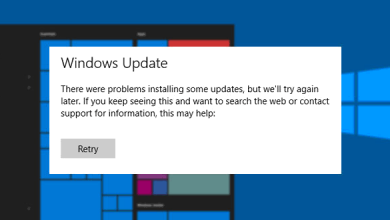
How to Fix Windows Update Errors in Windows 11 and 10
The main issues that cause Windows updates to fail are: 1) getting stuck on downloading or installing, or 2) error…
Read More »