Windows
-

How to Change Default Save Location for Windows 10 Apps
Windows 10 by default saves all the apps downloaded from Microsoft Store to the ‘C’ drive on your hard disk. This may…
Read More » -
How to Remove Folder Options from Tools Menu in Windows XP
‘Folder Options’ in Windows Explorer is a very useful utility, we use it to hide our important files and folders. This prevents…
Read More » -
How to Uninstall a Program from Control Panel
If any of your programs is not behaving properly and you no longer want to keep it on your computer,…
Read More » -
How to Save Web pages as PDF using Chrome
People do lots of activities online like shopping, booking flights, paying bills, filling out forms, etc. Sometimes, we need to…
Read More » -
How to Start Windows 10, 8, 7 in Safe Mode using MSCONFIG
The method to start Windows XP, Vista, and 7 in Safe Mode differs from Windows 8, 10, and Windows 11.…
Read More » -
Upgrade to Windows 10 from Windows 7 or 8
In this tutorial, we are going to show you how to upgrade from Windows 7 or 8 to Windows 10.…
Read More » -
How to Use Zoom for Video Conferencing
Zoom has made a stand-out name in the field of video conferencing. But the main reason for its success is…
Read More » -
How to Use WhatsApp on PC using WhatsApp Web
There are three famous ways to use WhatsApp on PC, one is through BlueStacks, the second is via WhatsApp’s official…
Read More » -
How to Disable UAC Prompt in Windows 10
User Account Control or UAC Prompt is one of Windows 10’s security features. UAC keeps an eye on each and…
Read More » -
How to Fix High CPU Usage by MsMpEng.exe
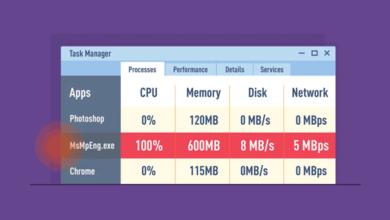
Windows 10 has recently faced high CPU usage after the KB4512941 update. And now, Windows 10’s Antimalware service is causing…
Read More »